01
Duplicate records
Which copy is current?
Every office re-enters the same student. A change in one system leaves the others behind.

Admissions, academics, exams, results, finance, hostel, student services, documents and careers share one student record, so every office sees the same truth, scoped to what it is allowed to see.
Attendance in one tool, marks in a spreadsheet, fees in a ledger, hostel rooms in a register, placements in a tracker. Every office keeps its own copy of the student, and none of them agree.
01
Which copy is current?
Every office re-enters the same student. A change in one system leaves the others behind.
02
What are we not seeing?
Attendance, marks, fees and campus life are separated, so decisions are made with only part of the story.
03
Is this information accurate?
Staff compare sheets, registers and ledgers by hand before they can answer a simple student question.
Built in, not bolted on
Each module adds what it owns to the student record and reads what the others have written. Choose an area to see what lives there.
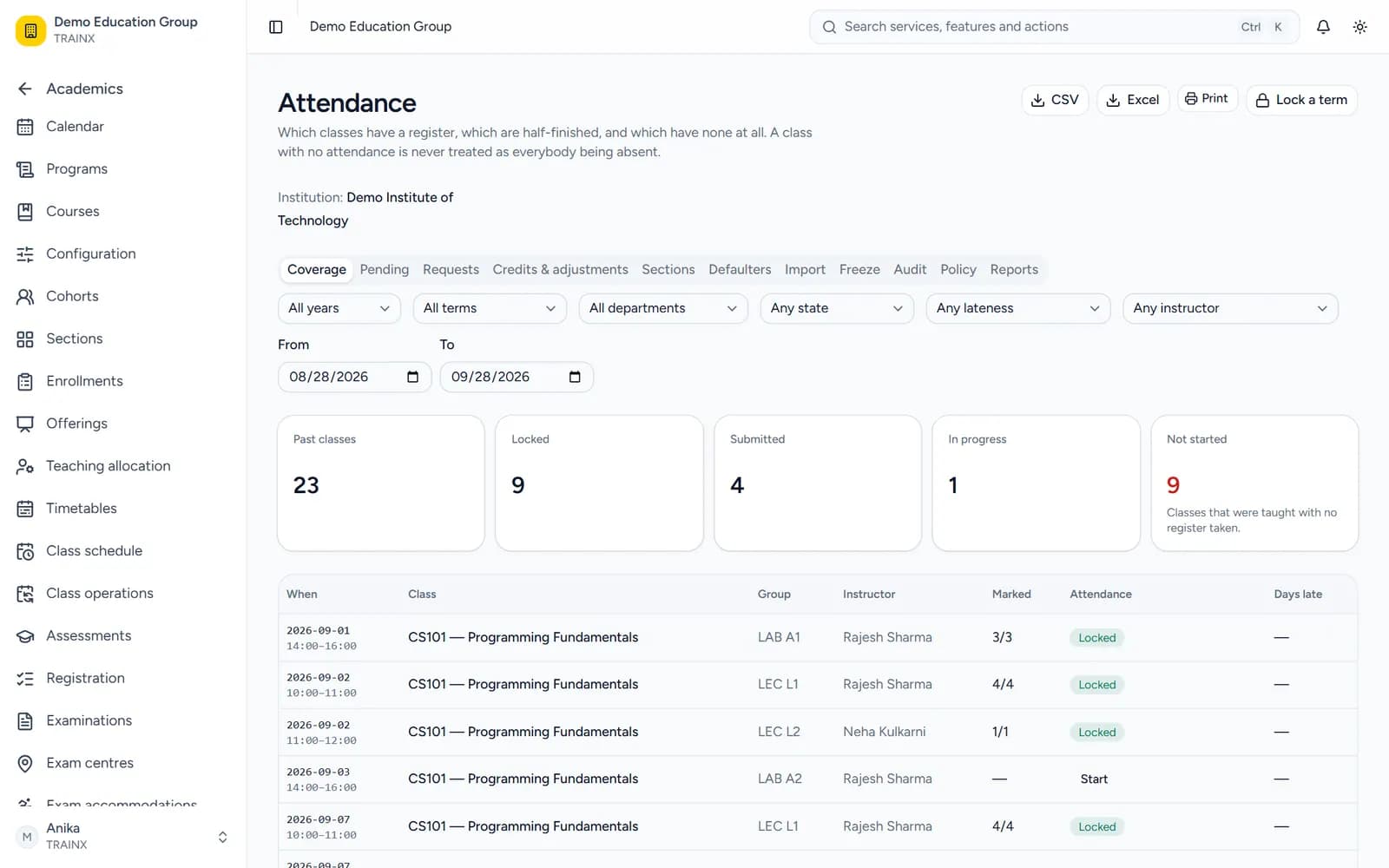
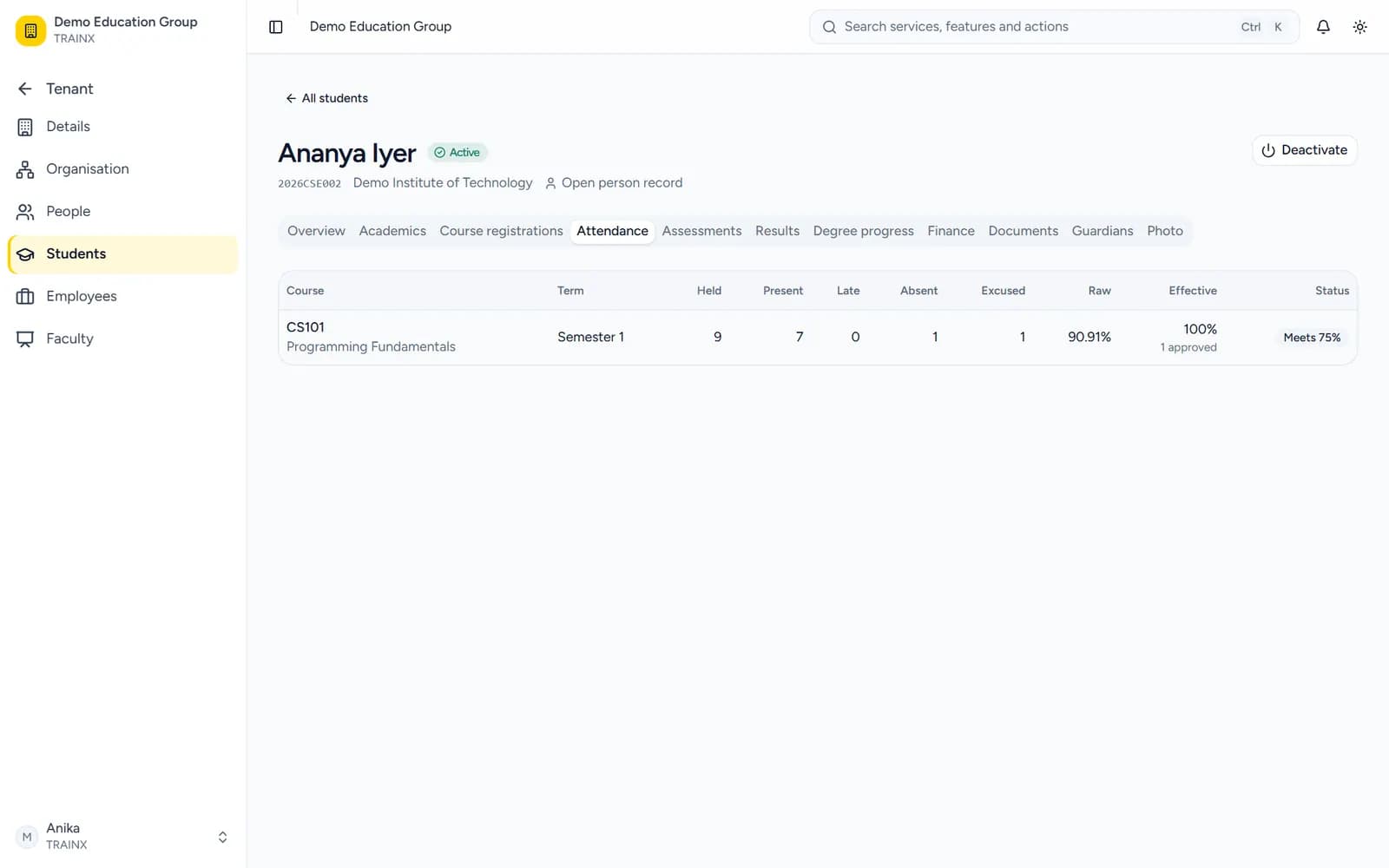
Admissions and enquiries · Program versions · Curriculum · Timetables · Course registration · Attendance · Gradebook
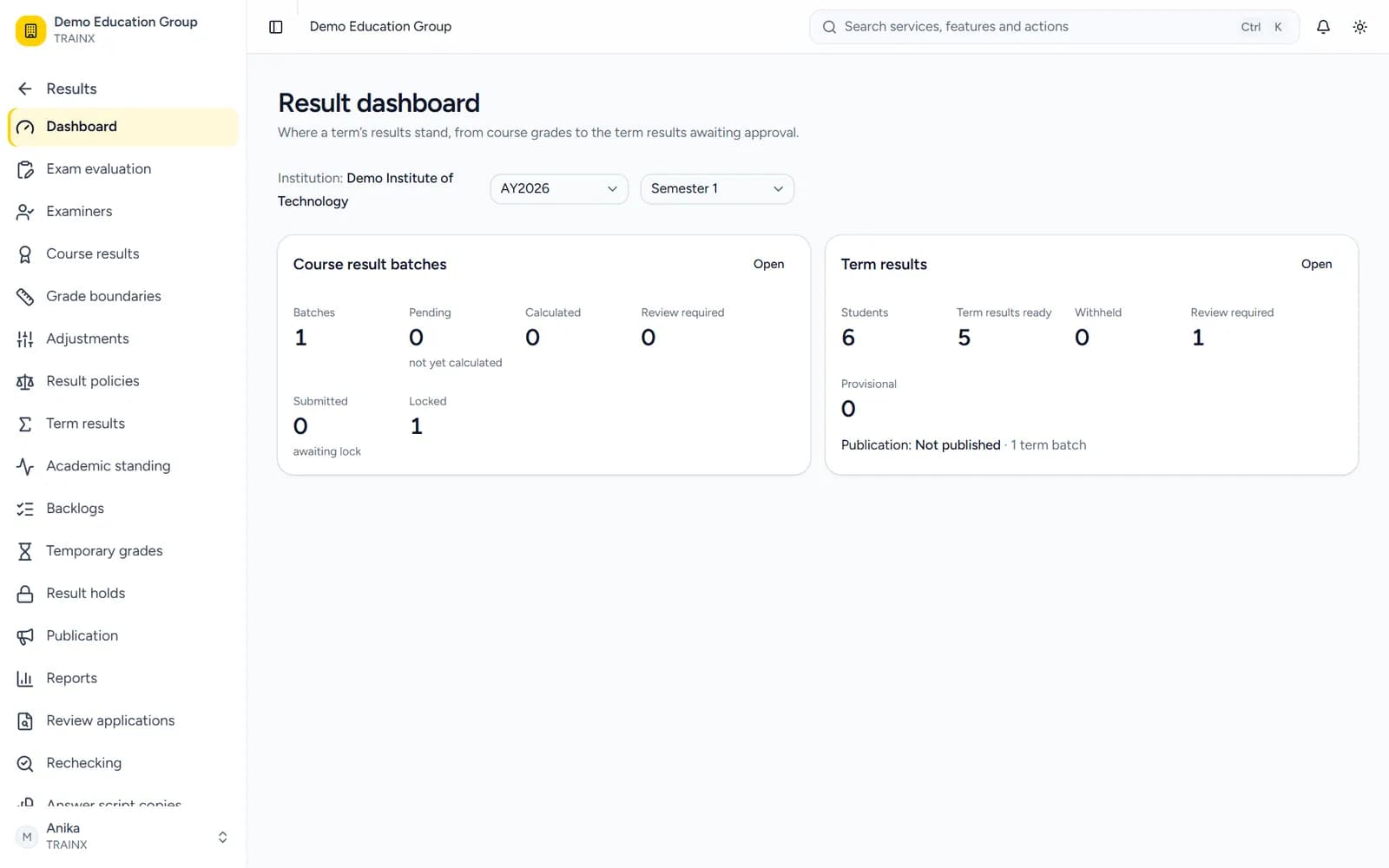
Hall tickets · Exam eligibility · Result publication · Revaluation · Grade cards · Degree audit · Graduation
Fee structures · Refunds · Scholarships
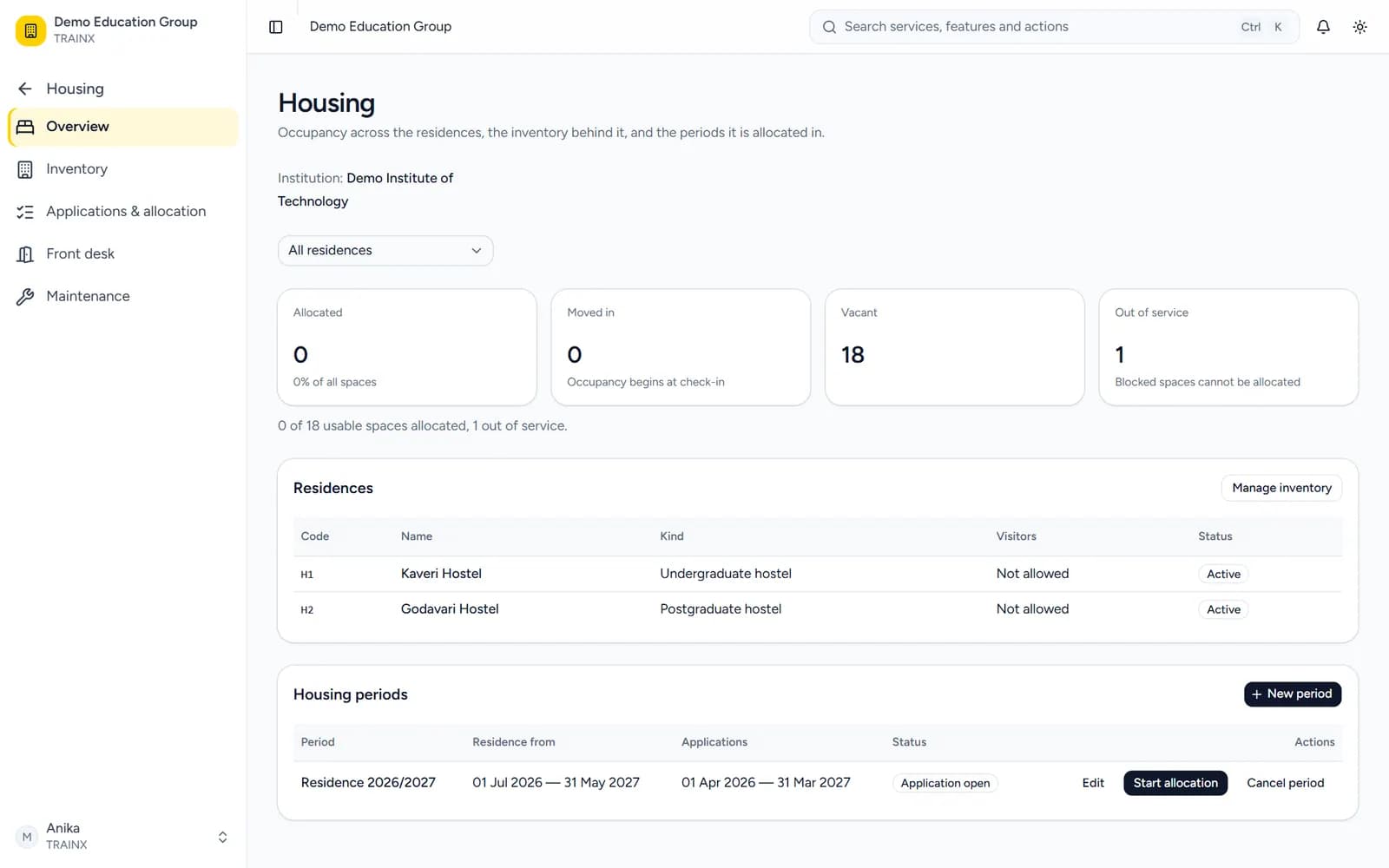
Hostel allocation · Service desk · Anonymous grievance
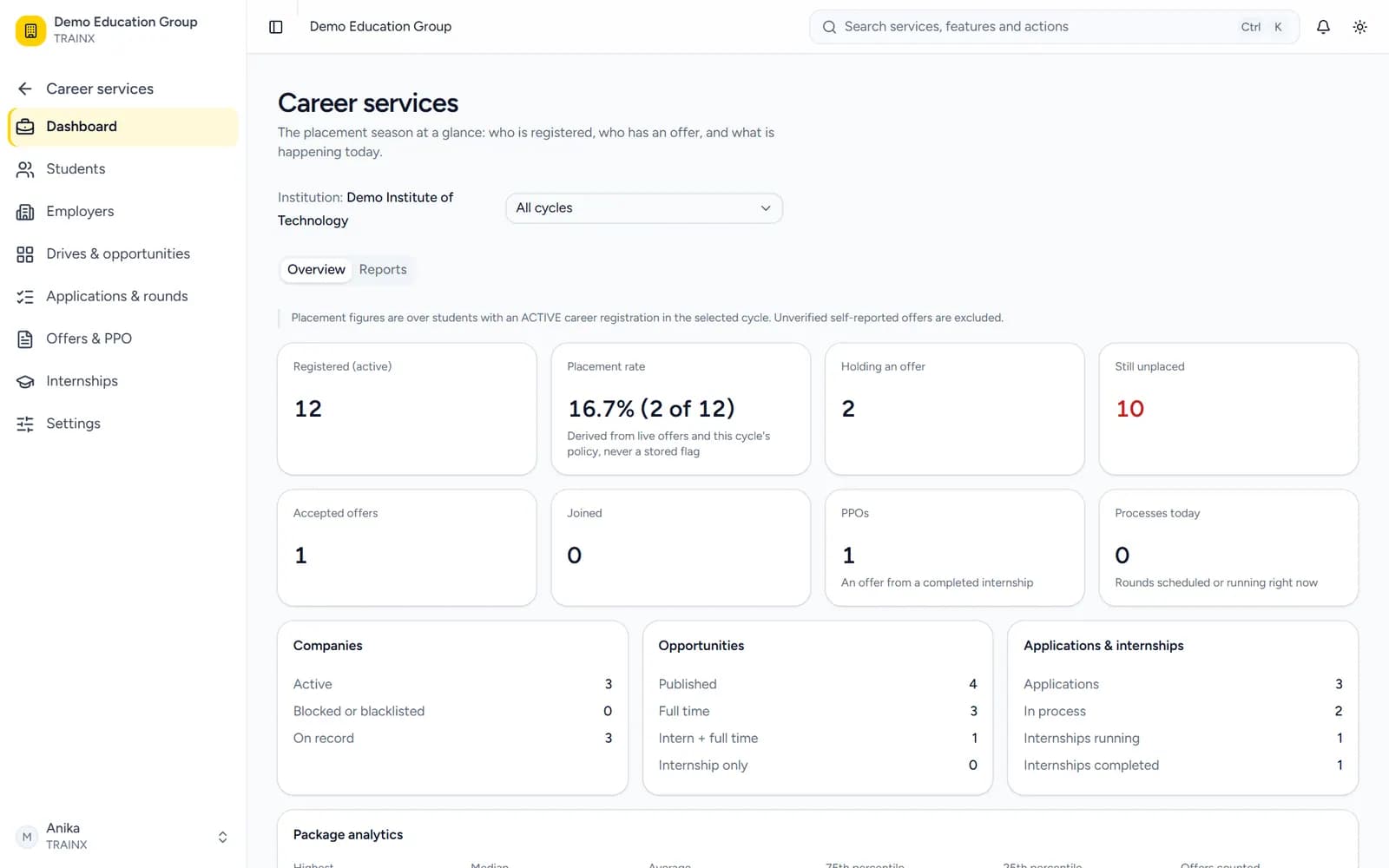
Signed credentials · Public verification · Document retention · Placement drives · Internships · Offers
Audit trail · MFA
The same student record moves through every stage of the institution. Each office adds what it owns, and every other office reads it.
A day on campus
Students and faculty each work from their own screens. What one of them records, the other sees, without anyone entering it twice.
Student
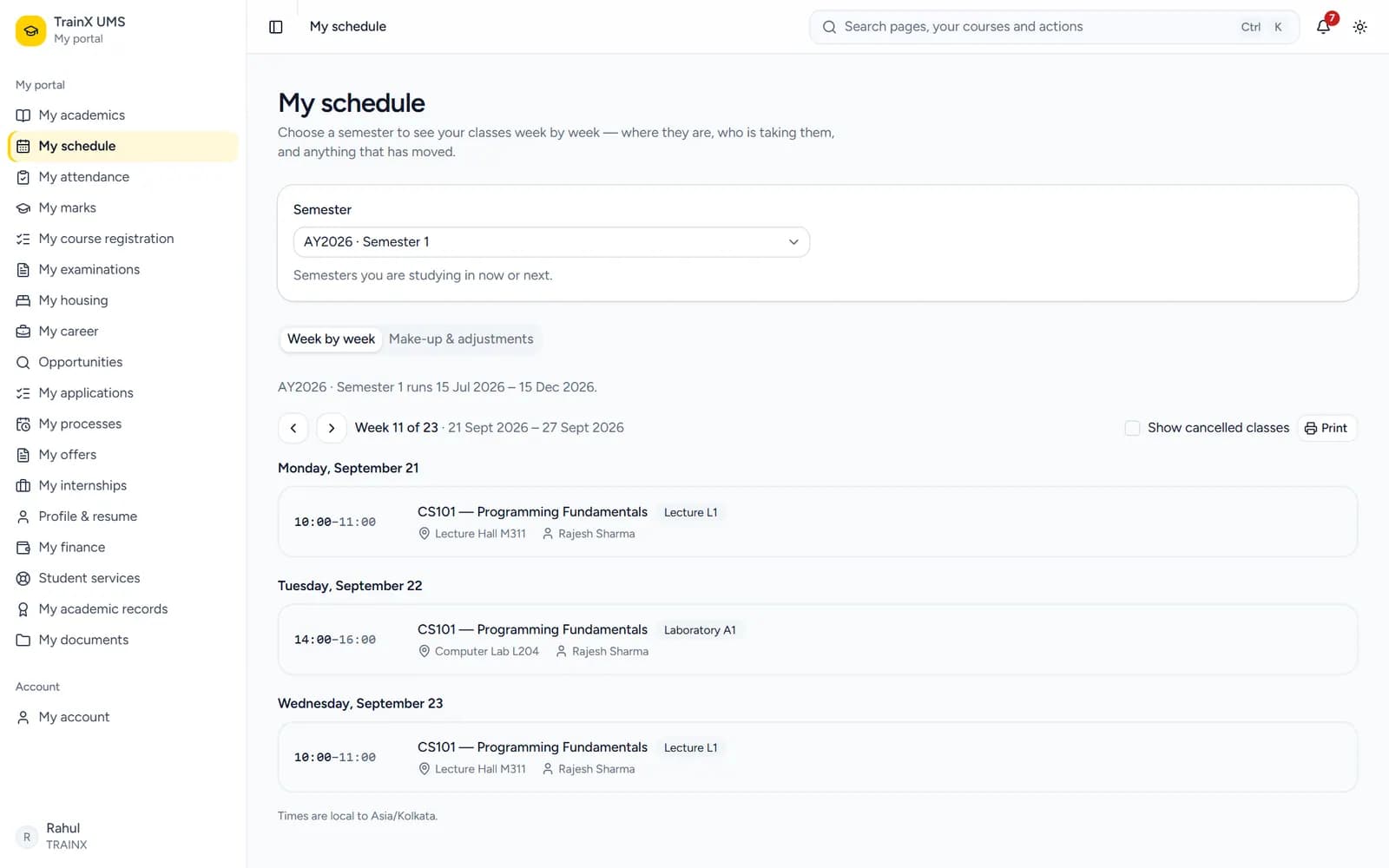
Classes, rooms and anything that has moved, on their own schedule.

Faculty
Opens the class and marks the register from their own screen.
Student
Attendance for every course, with a shortage shown before it counts.

Faculty
Enters marks in the gradebook and submits them for publishing.
Student
Marks as they are published, and results once they are released.

Faculty
Exam duties sit alongside their teaching, not in a separate list.
Student
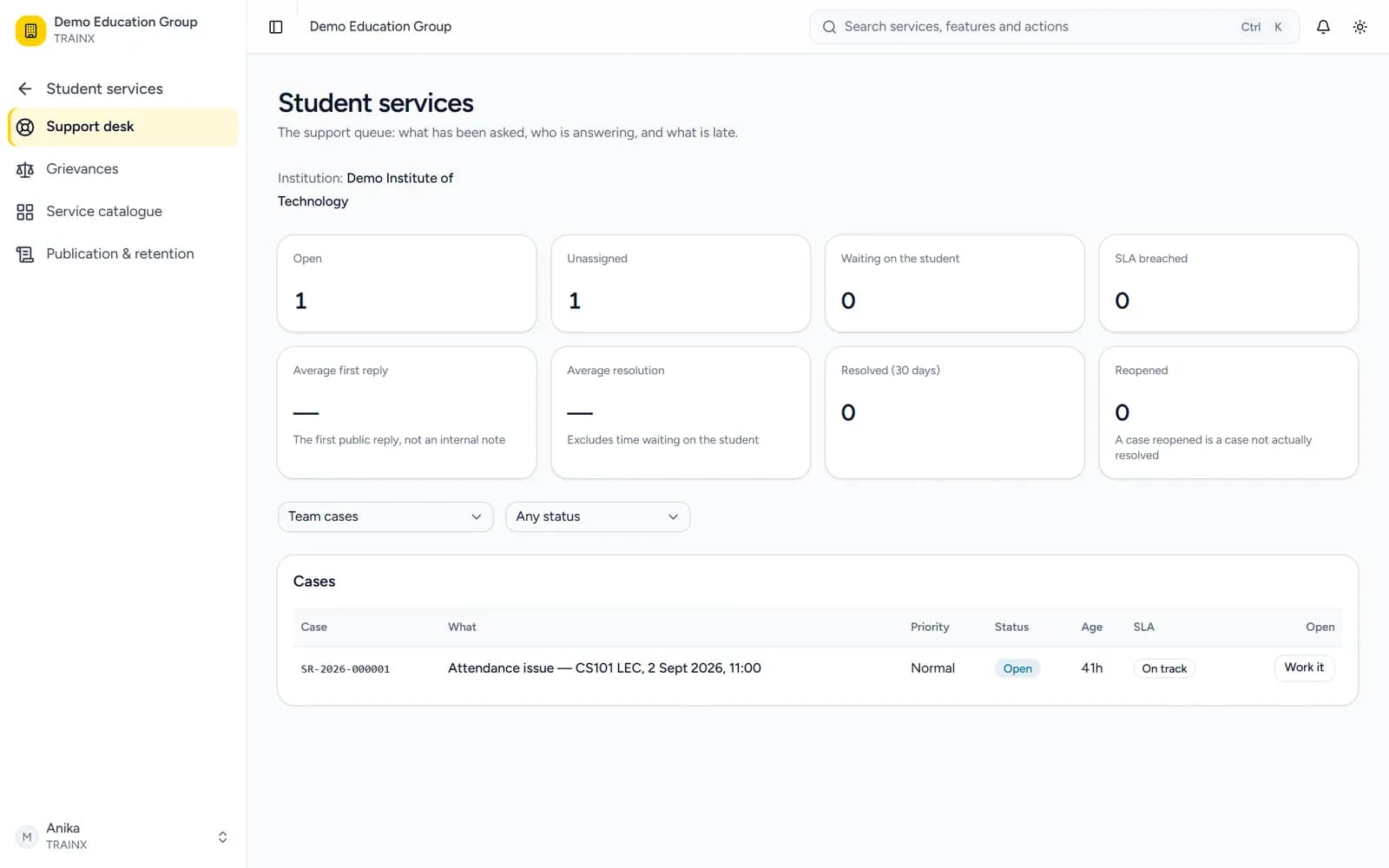
Support requests and grievances, tracked until they are answered.

Faculty
Their teaching schedule shows the classes still to come.
Verifiable credentials
The institution issues and signs each credential. Whoever holds the link or QR code can open it and see who issued it, without signing in to anything.
Verify a credentialThe institution issues and signs the credential.
The holder shares a link or a QR code.
Anyone opens it and sees the issuing institution.
VerifiedIssued by the institution shown
What it runs
Academic operations
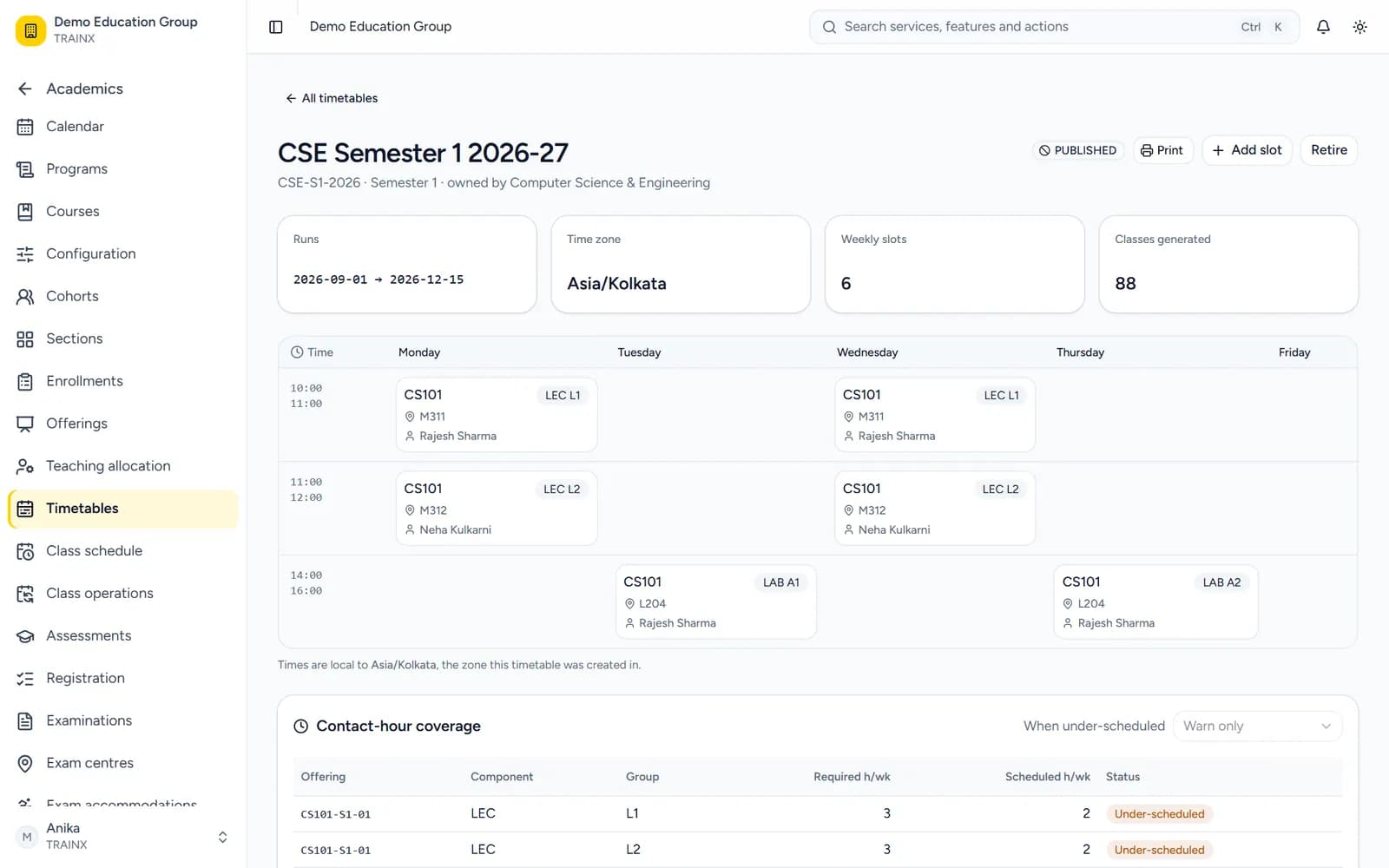
Build versioned programs and curricula, publish timetables, open registration windows and take attendance, all on the records the rest of the system reads.
Exams and results
Exam eligibility follows attendance, hall tickets and seating run per exam cycle, and results publish once to every place a student looks.
Campus life
Allocate hostel rooms against a published eligibility policy, run a service desk, and give students a grievance route they can use anonymously.
Records and careers
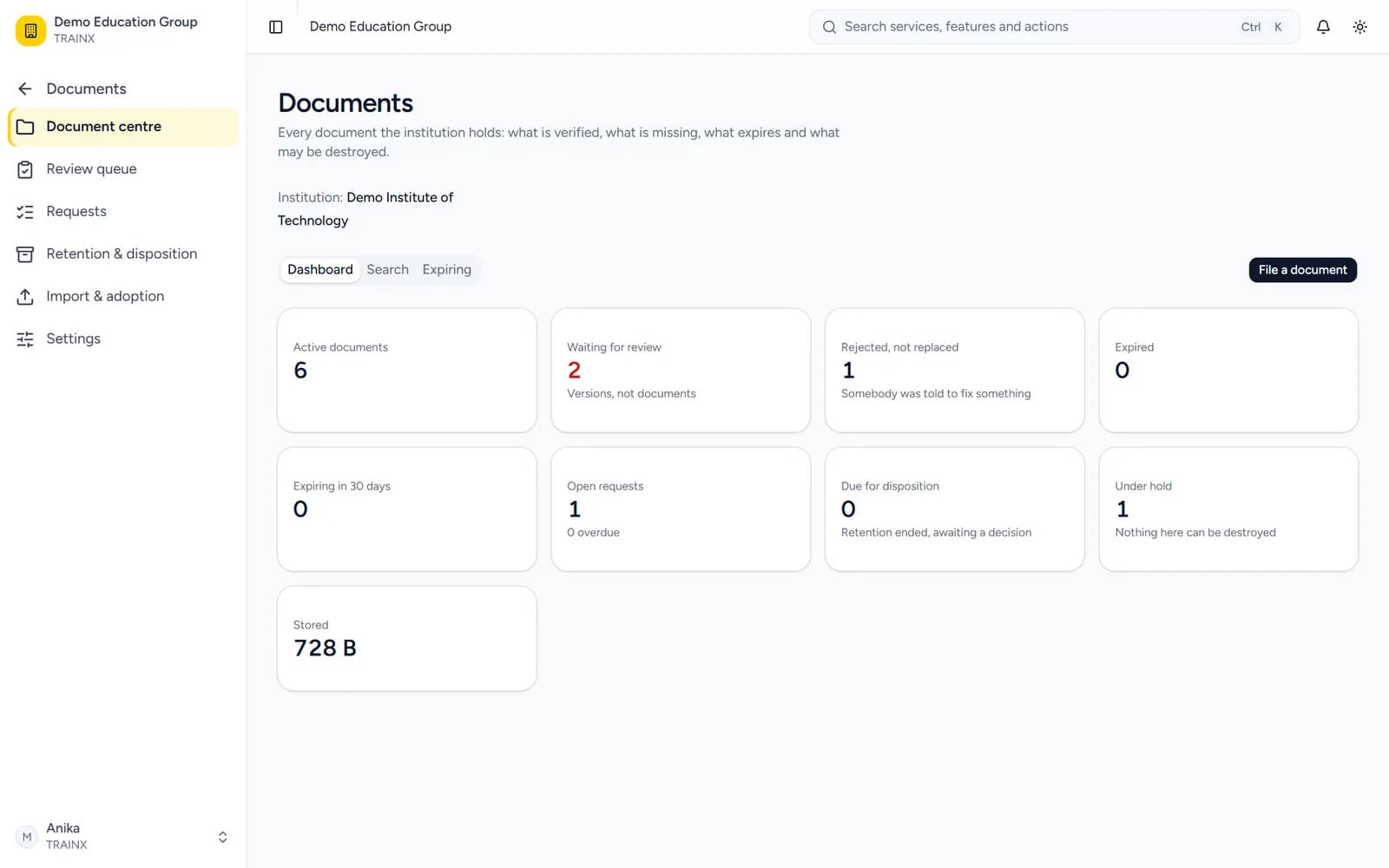
Documents stay private, versioned and classified. Credentials are signed and verifiable by anyone, and placement drives run in the same system as the academic record.
Search everything
Search finds pages, tabs and actions across the modules you are allowed to use. Type what you want to do, and open the screen or the dialog directly.
Security and scale
One tenant can hold many institutions, campuses and departments, and each stays separate in the database itself, not just in the interface.
Tenant-owned data is separated by PostgreSQL row-level security, not only by application filters.
Model a group of colleges or one university with many campuses, schools and departments.
Access is granted per permission and scoped to a tenant, institution, campus or department, not by job title.
Authenticator-app MFA with recovery codes; people can see and end their own sessions.
Authorization, identity and academic changes are recorded and reviewable.
Files stay private, versioned and classified, with retention and download audit.
Walk through admissions, academics, exams, campus life and careers with us on a demo tenant.
